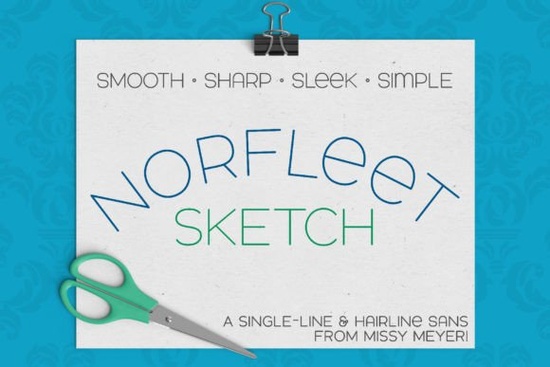
If you're looking for a clean, modern single-line font that works well with sketch pens, foil quills, or engraving tools, the Norfleet Sketch (single Line) Font is a thoughtful choice especially if you've tried other single-stroke fonts and run into compatibility hiccups. It’s designed from scratch as a true single-line typeface, not just an outline shrunk down. That means fewer nodes, smoother curves, and better performance in vector-based workflows whether you're prepping files for Glowforge scoring, Cricut drawing, or hand-drawn-style branding.
What makes Norfleet Sketch different from other sans-serif fonts?
Most sans-serif fonts you use daily like Charm Grunge Font or Chopard Font are outline fonts meant for printing or digital display. Norfleet Sketch isn’t built for that. It’s made specifically for tools that draw one continuous line, like a pen plotter or Infusible Ink pen. Its letterforms are simplified but intentional: uppercase-only by default, with subtle lowercase variants (like a round-topped A and a lowercase-style e) that keep things legible without breaking the single-line logic.
The design balances elegance and function wide stance, soft curves, minimal anchor points. That makes it easier to convert, edit, or scale in programs like Illustrator or Inkscape without distortion. And because it’s optimized for sketching not filling it pairs naturally with bolder display fonts or even handwritten styles, like North Hiking Font, for contrast without visual clutter.
Which version should you use: “One” or “Two”?
This is where many users get stuck and the creator explains it clearly in the included PDF guide. Here’s the practical breakdown:
- Norfleet Sketch One: A true single-stroke font start to finish, no closed paths. Best for advanced users working in Rhinoceros or those comfortable manually removing auto-closed endpoints in Illustrator or Affinity Designer.
- Norfleet Sketch Two: A hairline outline font so thin the inner and outer paths sit almost on top of each other. This version works out-of-the-box in Silhouette Studio, Cricut Design Space, CorelDRAW, and most common craft software. No editing needed.
If you’re new to single-line fonts or just want something that types and cuts/draws reliably without extra steps start with Norfleet Sketch Two. You can always explore “One” later once you’re more familiar with path manipulation.
Where does it work and where might it not?
Norfleet Sketch is compatible with most major design and cutting platforms, including:
- Adobe Illustrator (with manual path cleanup for “One”)
- Inkscape (free and reliable for both versions)
- Affinity Designer
- Cricut Design Space (use “Two”)
- Silhouette Studio (use “Two”)
- Glowforge (scoring mode only)
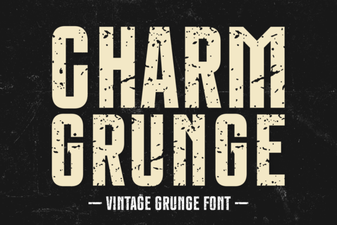
It’s not meant for Word, Google Docs, or standard printing. And due to known limitations in Brother Canvas Workspace, the creator explicitly notes it may not load or behave predictably there so if you rely on that software, test first or consider alternatives like Charm Grunge Font for more traditional cut files.
Real-world uses for crafters and small businesses
You’ll find Norfleet Sketch especially useful for:
- Personalized sketch-style greeting cards or gift tags
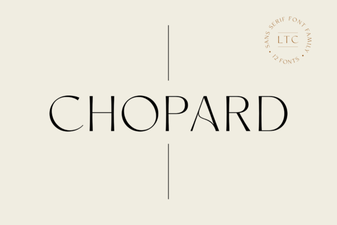
- Minimalist logo lockups (paired with a solid sans-serif like Chopard Font)
- Engraved wood or acrylic signage
- Foil-pressed business cards or wedding stationery
- Infusible Ink designs on mugs or tumblers
Because it’s so clean and neutral, it doesn’t compete with illustrations or photos making it a quiet but effective choice for print-on-demand sellers who want consistent, scalable typography across product mockups.
One thing to keep in mind: single-line fonts require slightly different prep than regular fonts. Always check your software’s documentation for how it handles open paths, and when in doubt, zoom in to confirm strokes aren’t accidentally joined before sending to your machine.
Before you download: Review the included PDF guide it walks through font selection, basic troubleshooting per program, and tips for cleaning up paths in Illustrator or Inkscape. And if you're unsure whether Norfleet Sketch fits your workflow, try pairing it with the full Norfleet Sketch collection to compare spacing, weight options, and alternate characters.
Get Started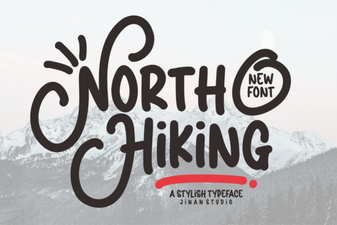 North Hiking Font: Your Trail Map Typography Guide
 Mastering Typography with Chopard's Brand Font
 Designing with Charm Grunge: Typeface Projects
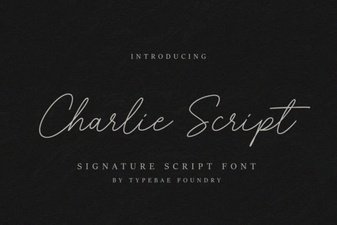 Charlie Script Font for Design & Creative Projects
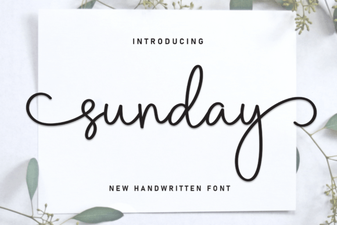 Choosing a Sunday Font for Your Creative Projects
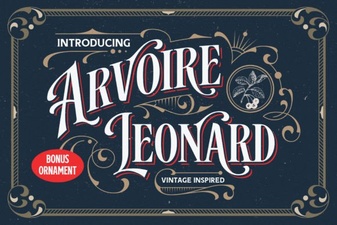 Arvoire Leonard Font: Modern Elegance for Your Design